
Browse a game’s servers
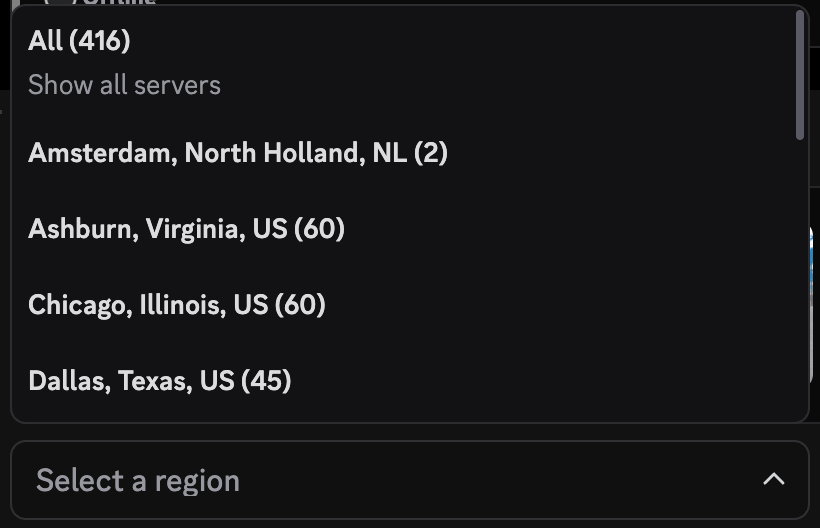
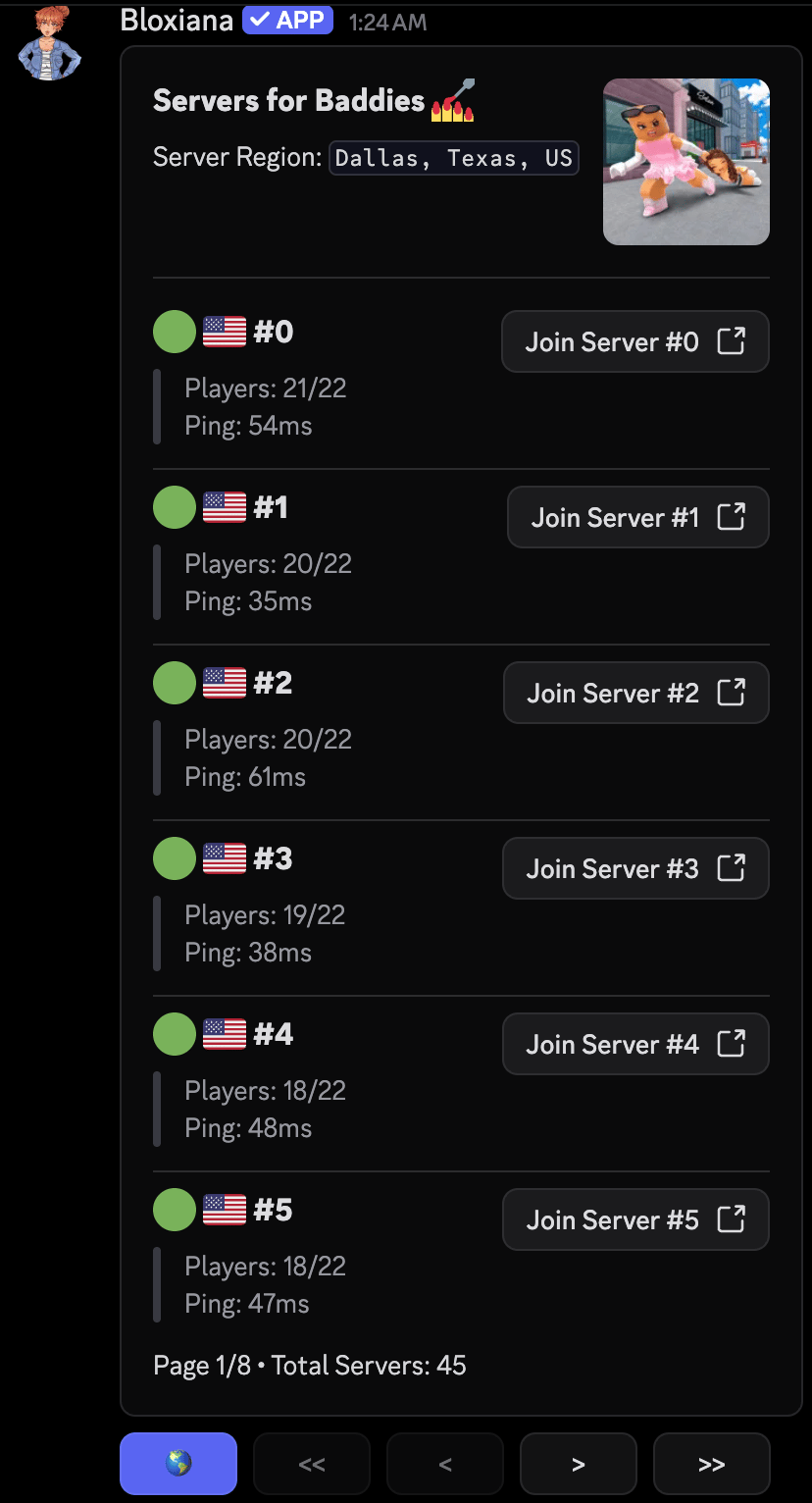
game takes a game link, place ID, share link or a game name. Bloxiana reads every public server, then asks which region you want.
- Very large games (over 200,000 players) can’t be browsed.
- You can run
/serversonce every 20 seconds, and its buttons work for 15 minutes.
Join a player
Public joins means the player set Who can join me in experiences? to Everyone in their Roblox privacy settings. If they haven’t,
/join can’t find them. To find a player without public joins, use /snipe.Share a server
/roblox server looks up a server from a Bloxiana invite code or a username, and gives a Join Server button. It only finds invites made in the last hour.